# Evaluating the API w/Webapp

Considering to use the API and want to evaluate it before purchasing an API key? A good way to try the API is through the Sloyd web app. The web uses the same create and edit API endpoints that you would use (although there could be some differences - the endpoints the web app uses can be on a different version than the external api - they are relatively similar).

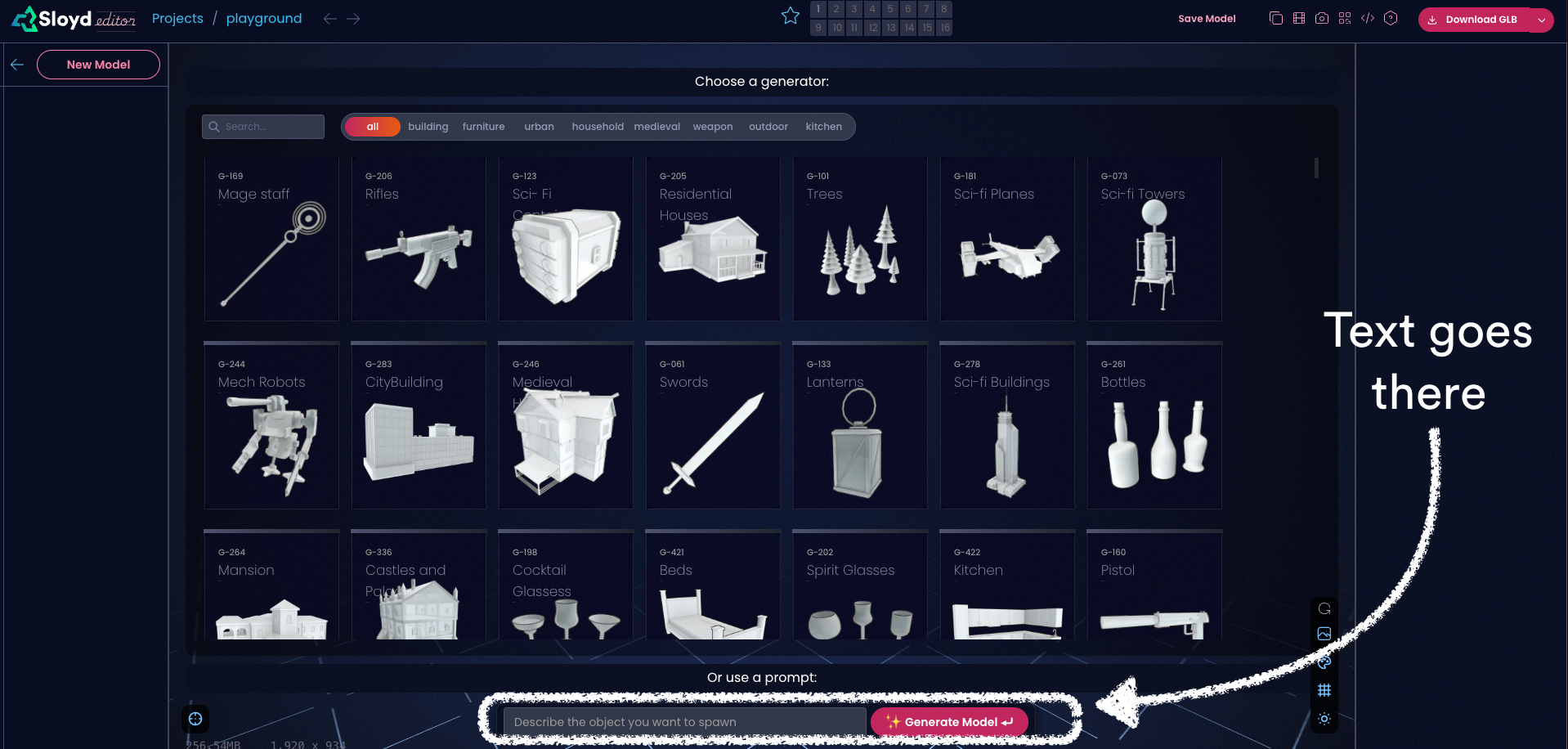
1. Login to the [Sloyd web application](http://v2.app.sloyd.ai/) and go to Create.
2. Use this input box to generate a model from text:

<figure><img src="https://files.gitbook.com/v0/b/gitbook-x-prod.appspot.com/o/spaces%2Fj6Tzz7NZTaq9K3iVXZM6%2Fuploads%2FIPpRmVDzaD12Nl6z0xS4%2Fcreate.png?alt=media&#x26;token=dbe6f5ac-41b4-488c-8729-bd4420ea25b5" alt=""><figcaption></figcaption></figure>

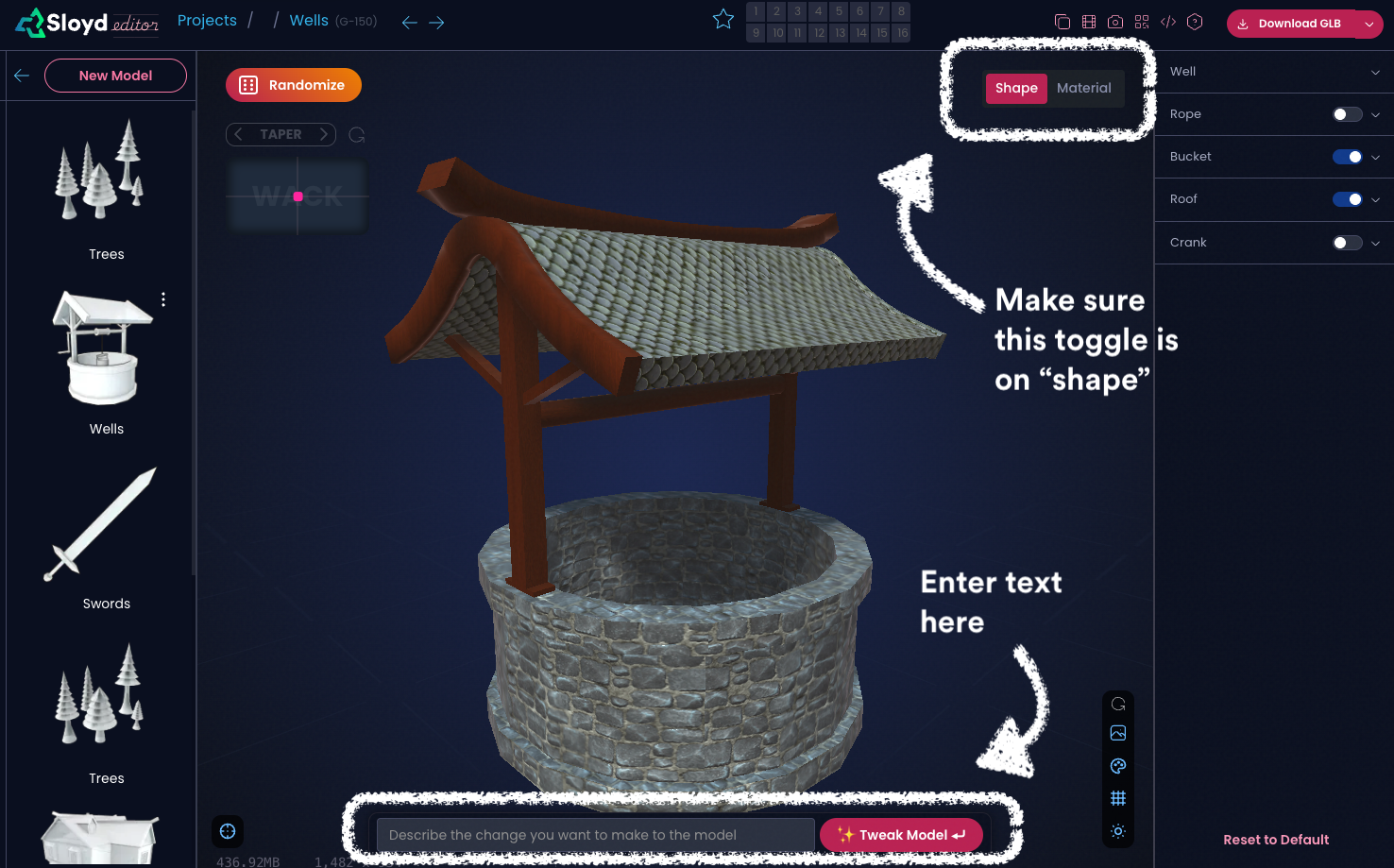
3. When you have a model on the canvas, use this input box to edit the shape of the model with text instructions:

<figure><img src="https://files.gitbook.com/v0/b/gitbook-x-prod.appspot.com/o/spaces%2Fj6Tzz7NZTaq9K3iVXZM6%2Fuploads%2FWkePsVBVN68UZhaDWB5F%2Fshape.png?alt=media&#x26;token=35cb2796-5ef8-4335-bf10-1c8f6773c9be" alt=""><figcaption></figcaption></figure>

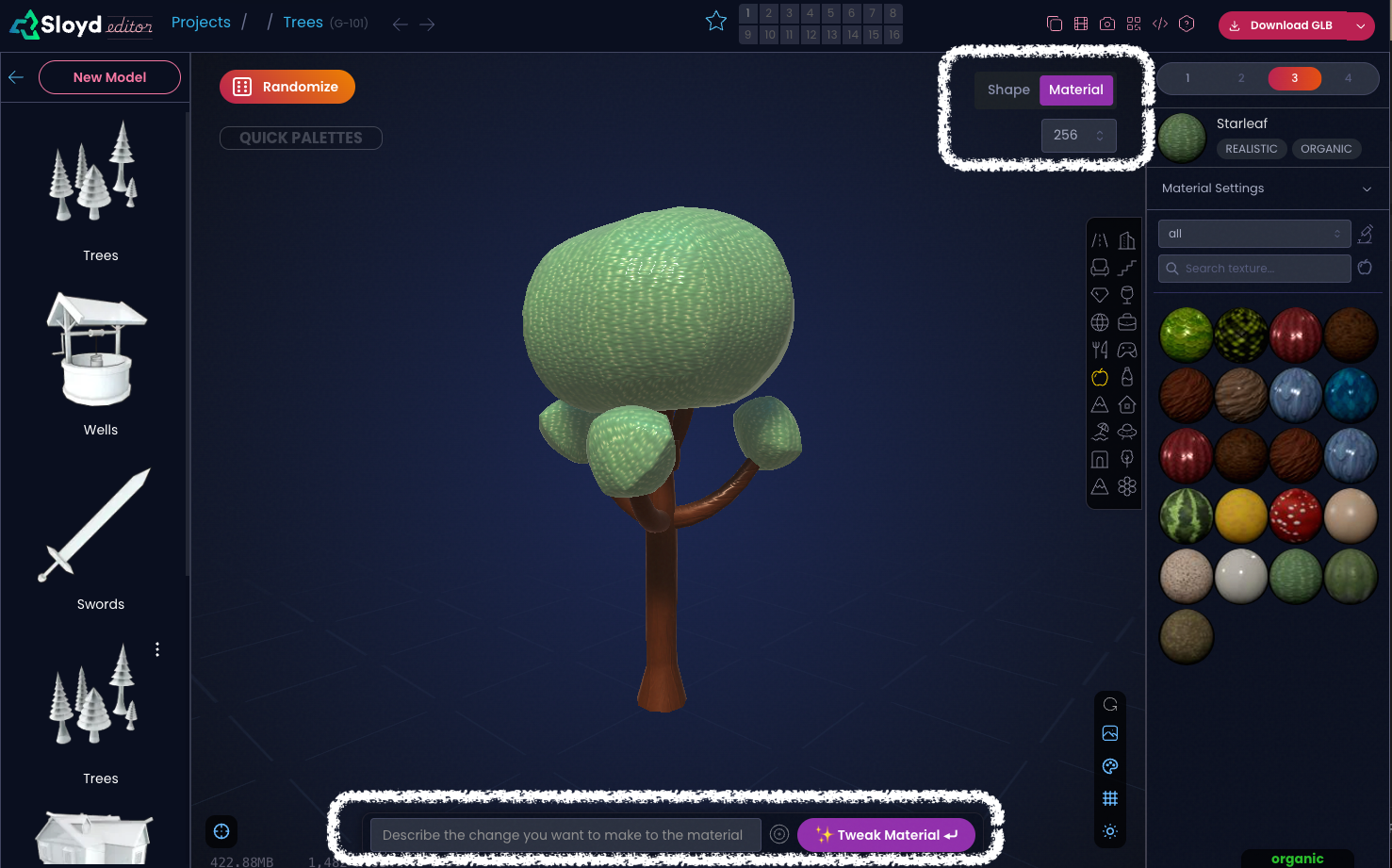
4. Change the toggle on the top right corner to "Material" to edit textures, colors and materials with a text prompt:
<figure><img src="https://files.gitbook.com/v0/b/gitbook-x-prod.appspot.com/o/spaces%2Fj6Tzz7NZTaq9K3iVXZM6%2Fuploads%2F09M4HJq68FQoKmgeUg9v%2Fmaterial.png?alt=media&#x26;token=6900ff39-7f59-43cd-a83a-a0ca5a86a4d7" alt=""><figcaption></figcaption></figure>


---

# Agent Instructions: Querying This Documentation

If you need additional information that is not directly available in this page, you can query the documentation dynamically by asking a question.

Perform an HTTP GET request on the current page URL with the `ask` query parameter:

```
GET https://sloyd.gitbook.io/documentation/other-products/deprecated-products/api/evaluating-the-api-w-webapp.md?ask=<question>
```

The question should be specific, self-contained, and written in natural language.
The response will contain a direct answer to the question and relevant excerpts and sources from the documentation.

Use this mechanism when the answer is not explicitly present in the current page, you need clarification or additional context, or you want to retrieve related documentation sections.